BerthTime updates shipments for you
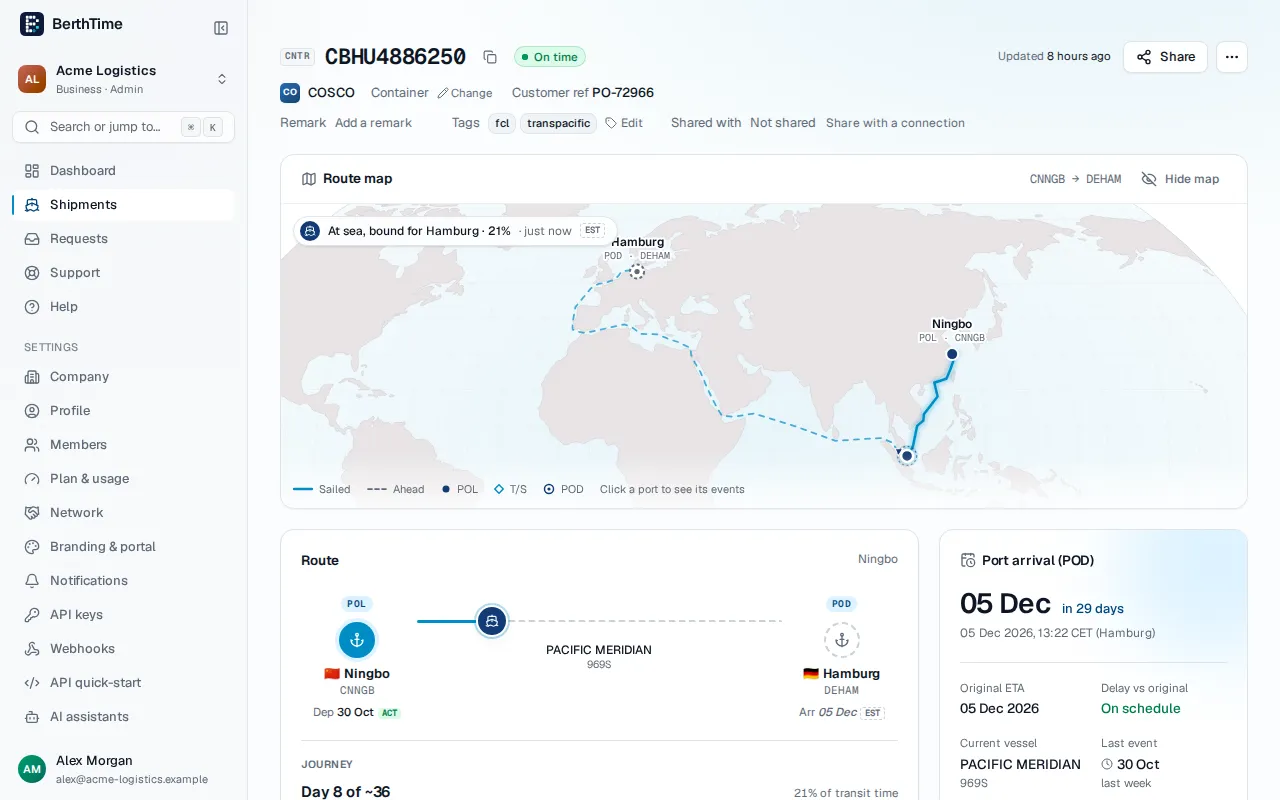
There is nothing to do on your side. BerthTime asks the carrier for news in the background, more often when something is about to happen, like a departure or an arrival. On the shipment page you see when it was last updated and when the next update is planned.
Updates stop on their own when a shipment is delivered, or when the carrier has had nothing new for a long time.
When a shipment is not tracking
If a shipment cannot be updated, its page and its line in the list say why, in plain words. For example:
- We don't know the shipping line yet. Choose it on the shipment page, or ask us and we will find it.
- The shipping line doesn't know this number yet. This is usual in the first days after a booking, for a forwarder's bill of lading, or after a typo. Check the number, or add the booking or B/L. See how to add the booking and B/L.
- We can't get data from this shipping line right now. BerthTime keeps trying on its own.
- No data yet or No update for a long time. The shipping line has not published anything new.
Ask us why
- Click Ask us why on the shipment page. In the Shipments list, use the ? next to the status, or the row menu.
- Add a comment if you like, then click Send.
Our team gets your question with all the details of the shipment. We reply by email, and you can follow the conversation under Support. If you already asked about this shipment, the button says See your question and opens it.
Get told when it works again
Turn on Tell me when it tracks again, in the same window or on the shipment page. BerthTime sends you an email and an app notification as soon as the shipment updates again. The notice is for you only, not for your whole team.